

Economic Calendar
Stay locked in. Track upcoming events, prepare your plays, and turn market news into strategy.
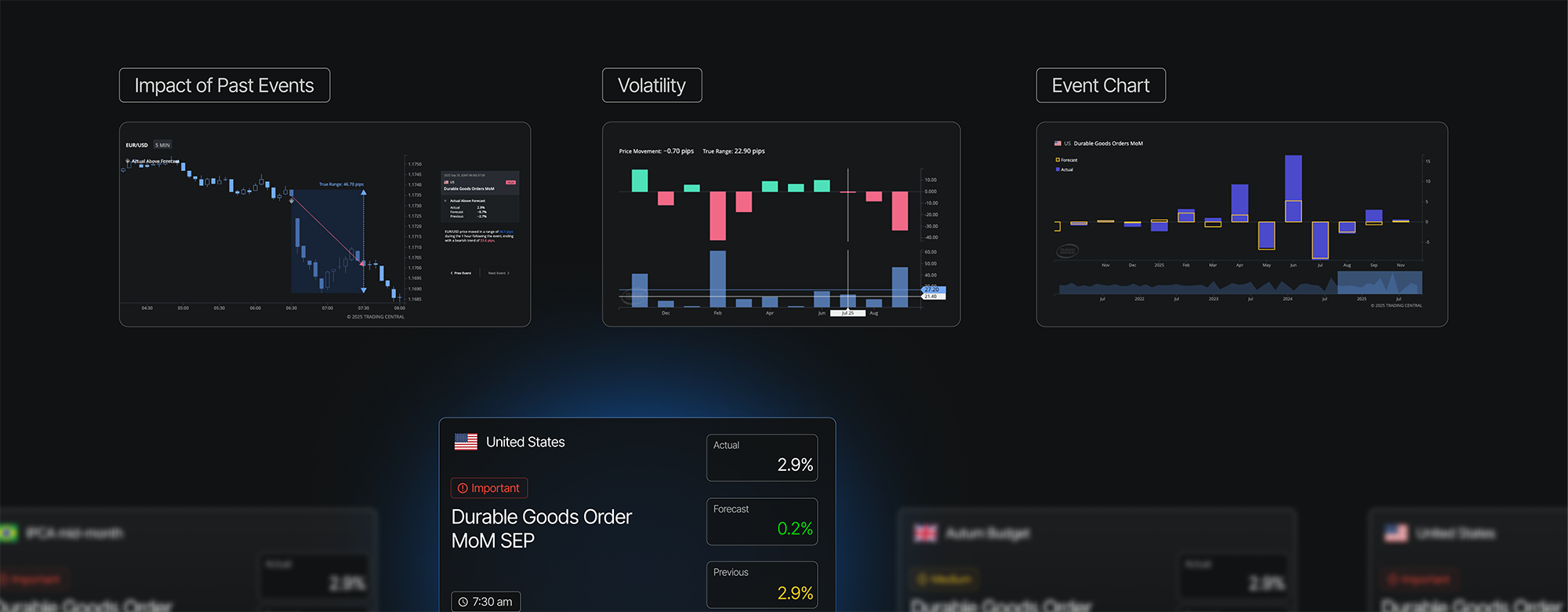
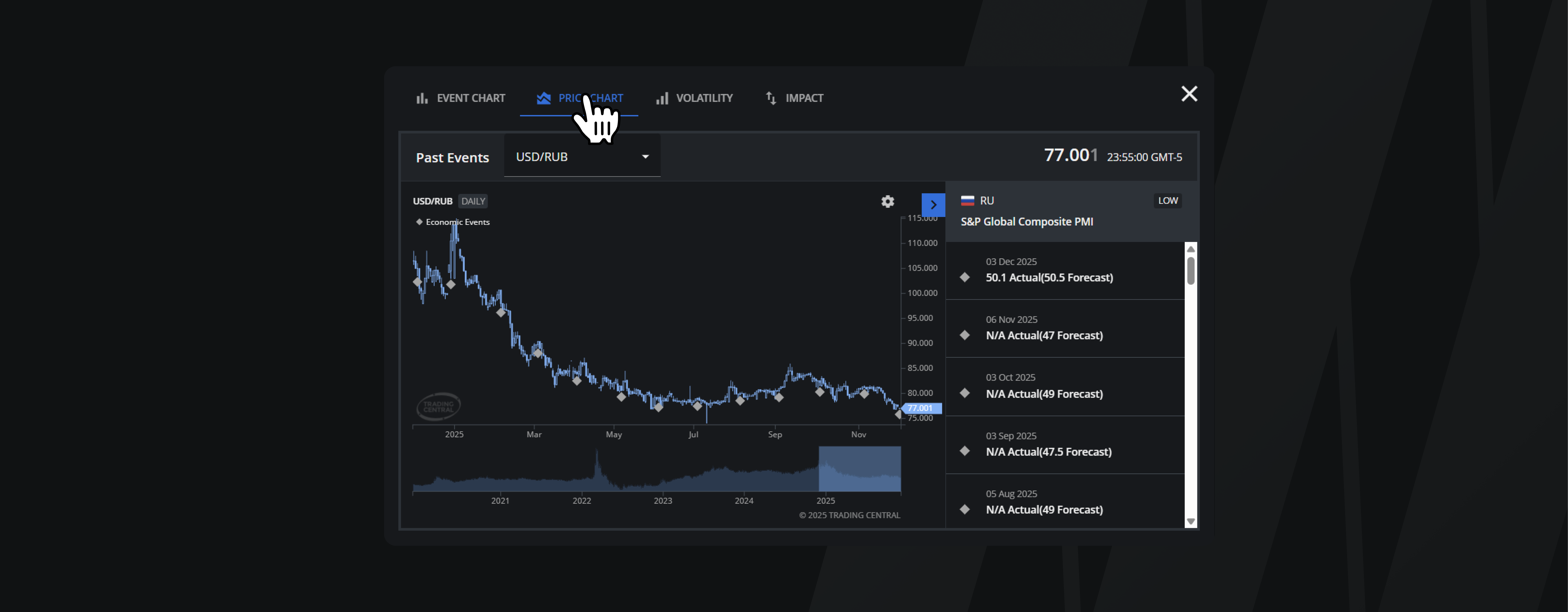
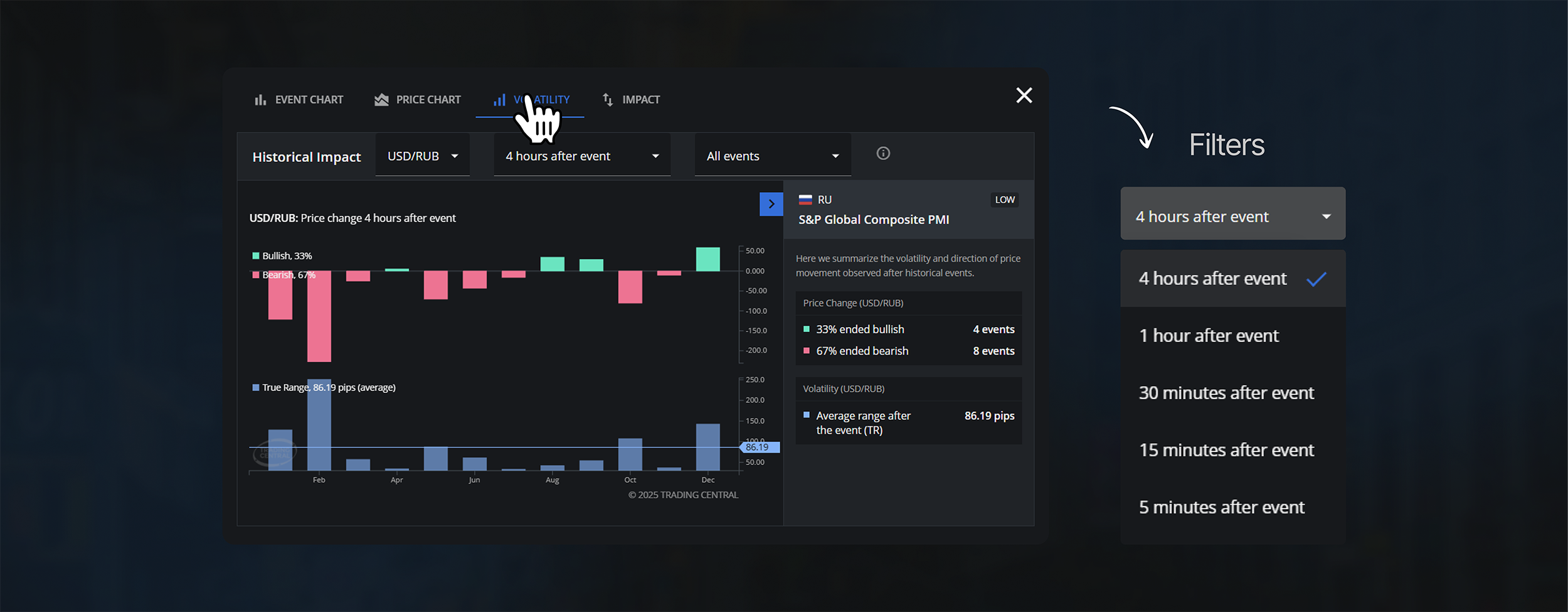
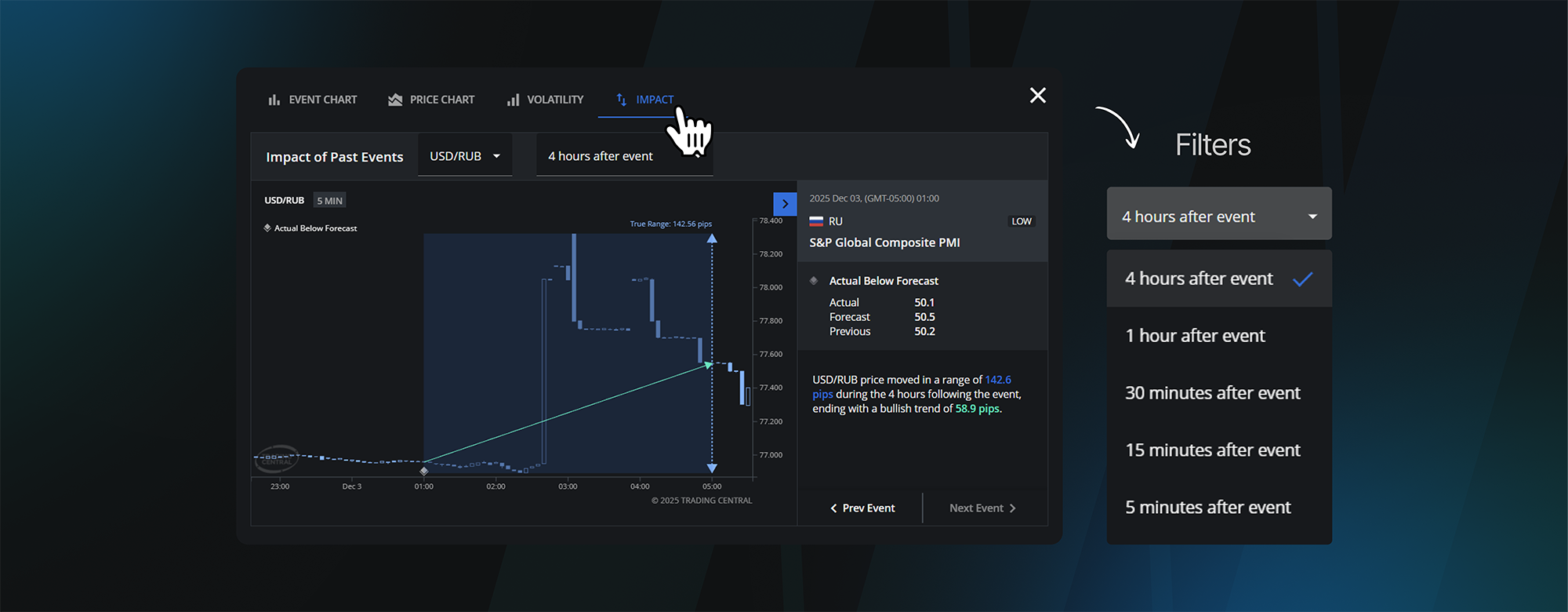
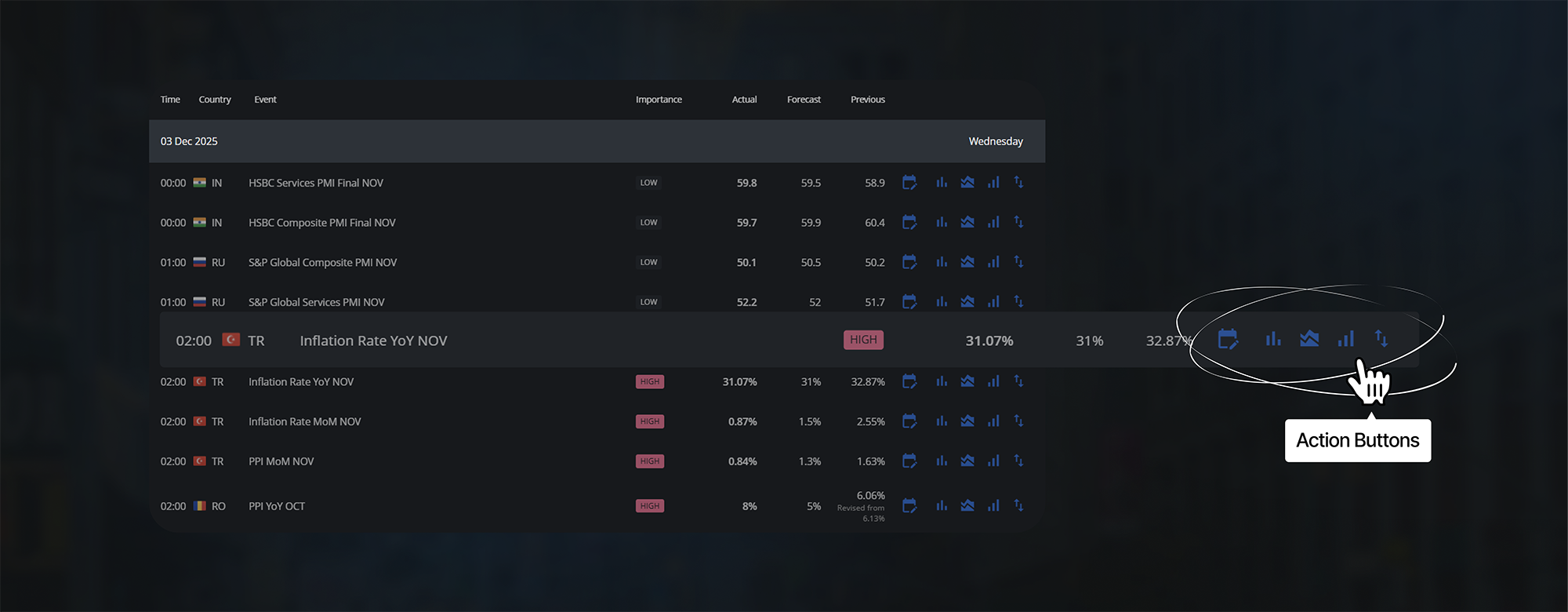
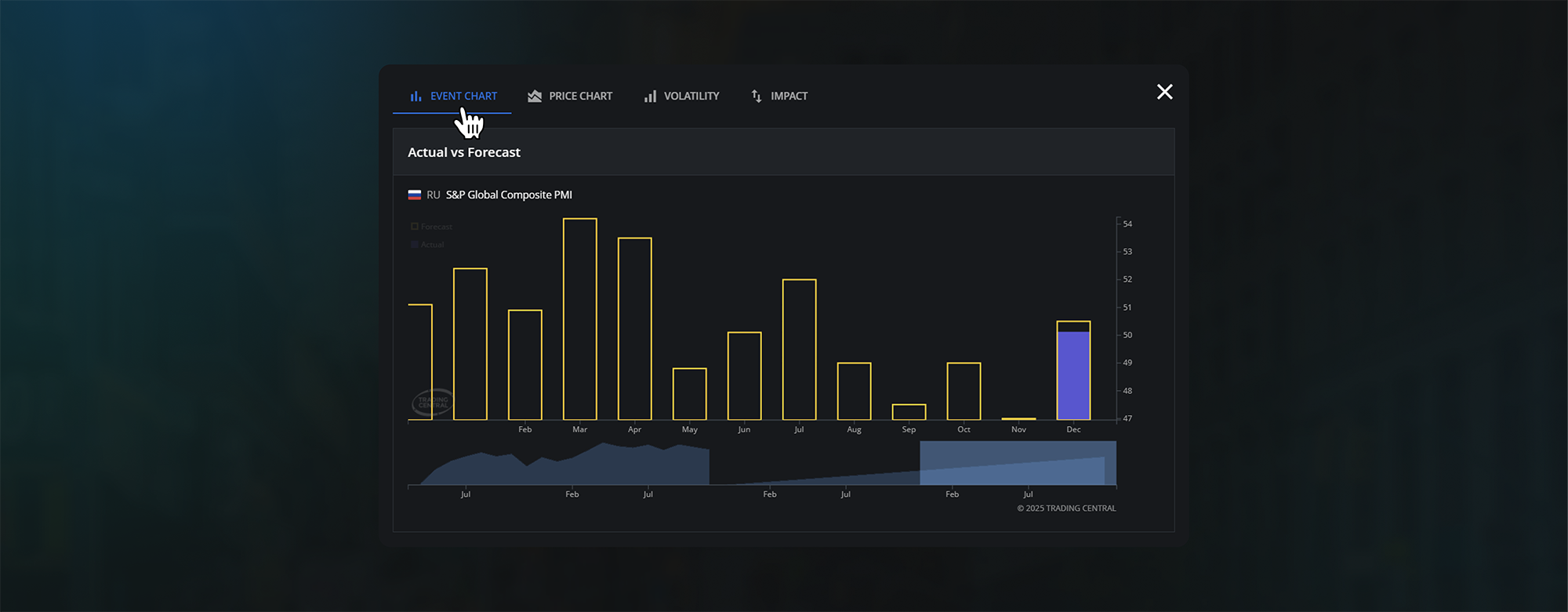
Get a clear view of each economic event, including timing, country, impact level, actual vs. forecast, and previous data
First Two Weeks of Journaling on Us

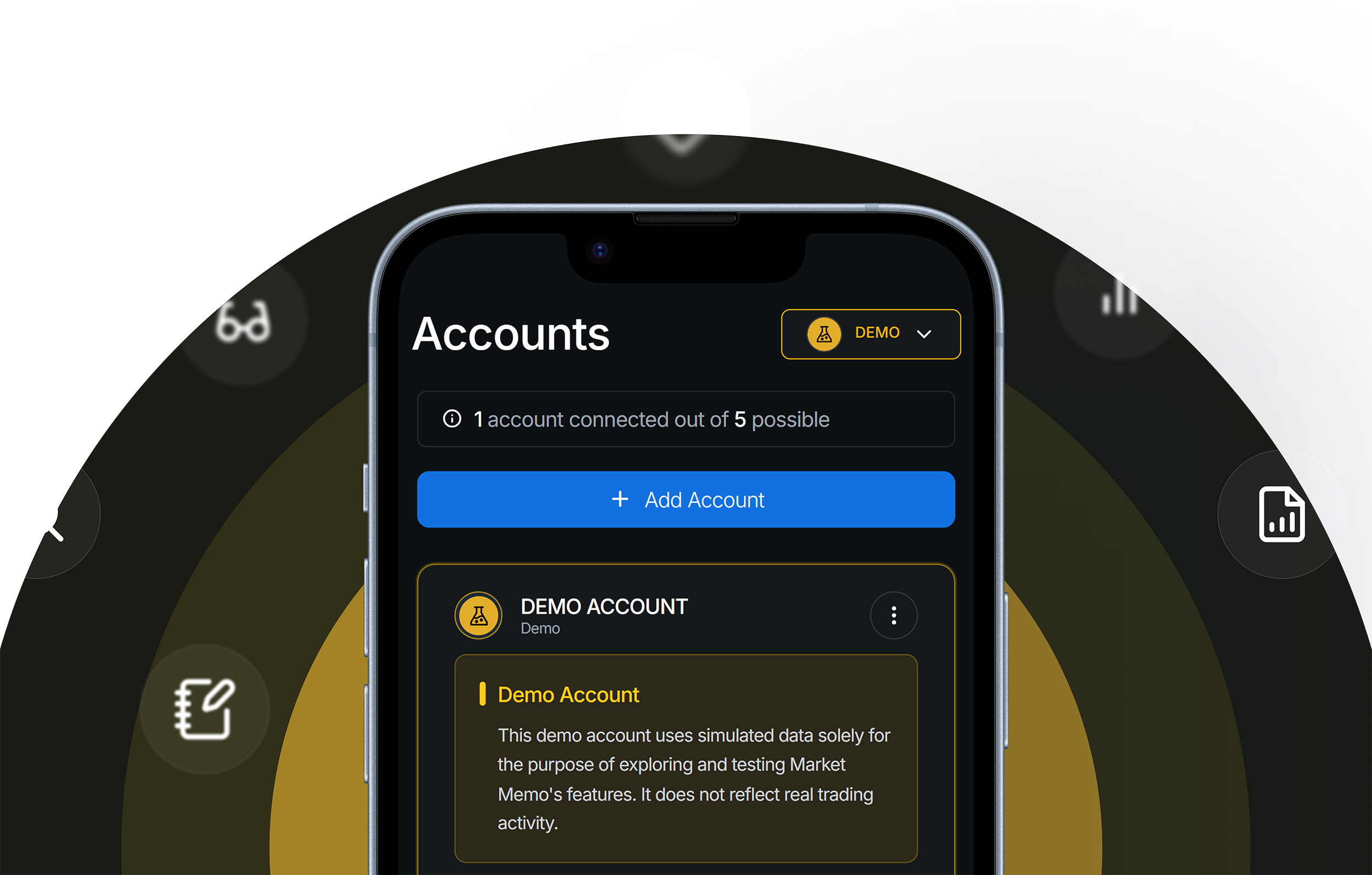
Try on a demo account
Every new user starts with a demo account preloaded with sample data, giving them a quick, bird's eye view of the platform's full functionality.
.avif)
All your questions, answered.
MarketMemo is an advanced trading journal designed to help traders analyze, optimize, and profit from their trades across various accounts. It offers features such as automated trade logging through broker integrations, insightful analytics, and real-time notifications, enabling traders to refine their strategies and enhance performance.
MarketMemo is intended for traders who aim to improve their trading processes and become more profitable. By providing tools to analyze performance and identify areas for improvement, it supports traders in making informed decisions and achieving better results.
MarketMemo supports integration with many brokers across platforms such as MetaTrader 4, MetaTrader 5, and TradeLocker. This extensive integration allows you to track and analyze a wide range of asset types, including:
Forex: Major, minor, and exotic currency pairs.
Commodities: Precious metals, energy products, and agricultural goods.
Indices: Global stock market indices.
Stocks: Shares from various international markets.
Cryptocurrencies: Popular digital currencies like Bitcoin, Ethereum, and others.
By connecting your brokerage accounts to MarketMemo, you can seamlessly monitor and analyze your trades across these diverse asset classes.
To add new trades to your MarketMemo account, follow these steps:
- Connect Your Brokers: Navigate to the broker integration section and connect your trading accounts. MarketMemo supports integration with platforms like MetaTrader 4, MetaTrader 5, and TradeLocker.
- Automatic Trade Logging: Once your brokers are connected, MarketMemo will automatically log your trades as they occur, providing real-time notifications and seamless journaling.
- Manually Upload Trades: In the case that your broker is not supported, trades can be uploaded using Manually Entry or Manual Import File.
To get started with MarketMemo, you’ll need to create an account and connect your existing brokerage accounts. This setup allows MarketMemo to import and analyze your trading data, offering insights to help you optimize your trading strategies.
Trade smarter.
Get more results.
Analyze, optimize, and grow – the journal that turns every trade into an opportunity to make you a more skilled trader.